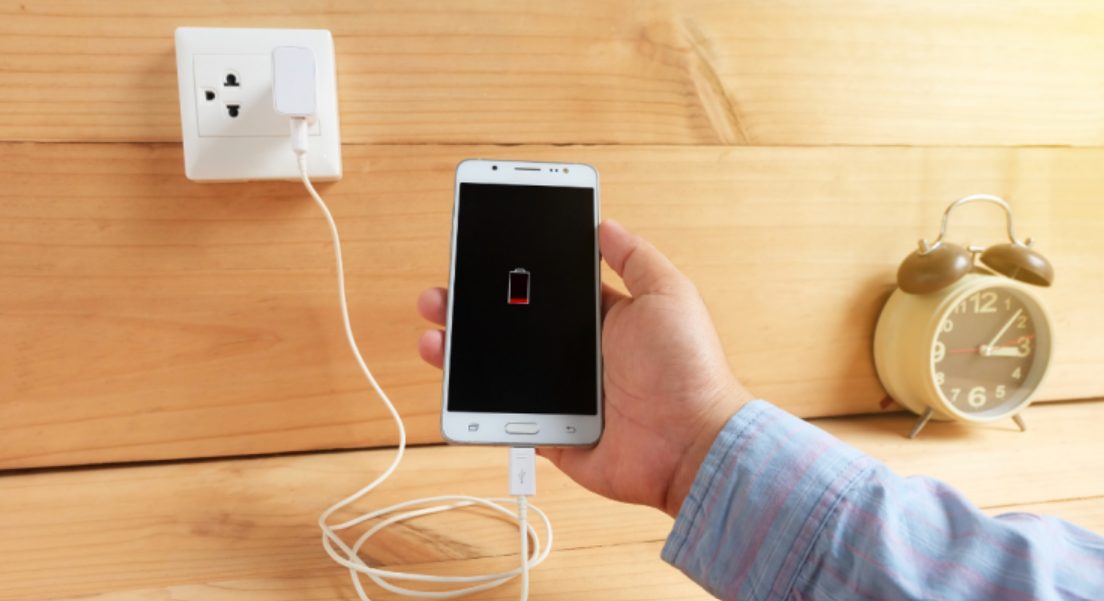
Does your phone always drain too quickly? It might not be the battery's fault, but rather certain mistakes you make daily without realizing it. What are they, and how can you avoid them to extend your smartphone's battery life? ⬇
The mistakes we make with our cell phones: here's why the battery always drains.
You charge your phone in the morning… and yet, by mid-afternoon, the percentage is plummeting? Don't worry, you're far from alone. Before blaming the battery or considering a new device, it's essential to examine our habits. Often, it's small, seemingly insignificant actions, repeated daily, that silently drain our smartphones' battery life. The good news? A few simple adjustments are all it takes to make a real difference and improve battery life.
Too many applications open without realizing it
This is probably the most common mistake. We open one app, then another, without ever really closing the previous ones. Even in the background, some continue to refresh data, connect to the internet, or use the processor. The result: the battery is constantly draining. Getting into the habit of closing unnecessary apps and limiting their background activity can significantly improve battery life.
An incorrectly adjusted screen brightness
The screen is one of the most energy-intensive components of a phone. When set to maximum brightness, especially indoors, it consumes a significant amount of energy unnecessarily. Enabling automatic brightness adjustment or manually lowering the brightness as soon as possible is a simple but very effective habit. Also, consider disabling always-on display if your device has this feature: however aesthetically pleasing it may be, it is rarely necessary.
Bluetooth, GPS and Wi-Fi always active
We turn them on in the morning… and forget about them all day. Yet, Bluetooth, GPS, and Wi-Fi continue searching for connections, even when you're not using them. This constant searching drains the battery without you even realizing it. The best approach is to disable these features as soon as they're no longer needed, especially when you're traveling.
Using unsuitable chargers
A poor-quality or uncertified charger may seem convenient at first, but it can disrupt the battery's charging cycle. In the long run, this reduces performance and accelerates wear. It's therefore best to use an original or compatible, certified charger, even if it represents a slight additional investment.
Postpone phone updates
Update notifications pile up and we end up ignoring them. Yet, these updates often fix invisible glitches that affect power consumption. An outdated system can therefore lead to excessive battery drain. Regularly installing system and application updates helps optimize the overall performance of your phone.
Too many unnecessary notifications
Each notification you receive turns on the screen, activates the network, and puts a strain on the processor. Multiply this by dozens of apps, and the battery drains rapidly. Sorting through your notifications saves both battery and mental energy. Keep only the ones you truly need and disable the rest without hesitation.
Common misconceptions about battery charging
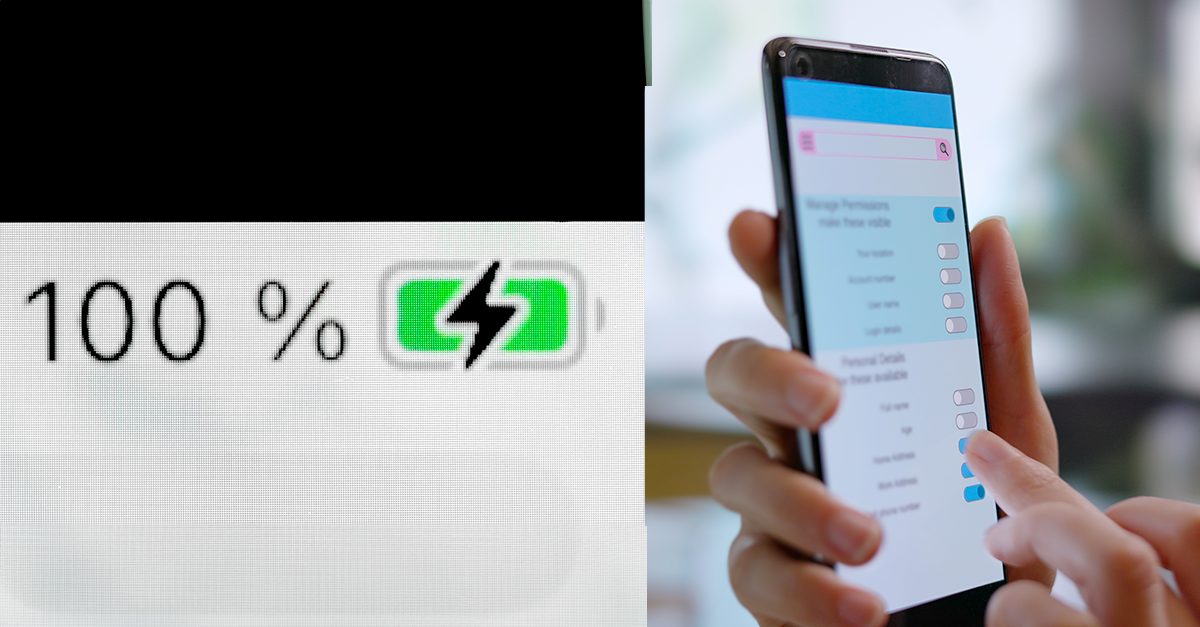
Contrary to a still widespread belief, modern batteries do not benefit from prolonged 100% charging or repeated deep discharges. They function optimally when their charge level remains between 20% and 80%. It is therefore best to plug in your phone before it is completely discharged and to avoid systematically leaving it charging overnight.
Small steps for big results
On a daily basis, activating power saving mode when necessary, avoiding extreme temperatures, and limiting live wallpapers also help preserve battery life. These details, taken together, significantly extend the device's lifespan and improve the overall longevity of the smartphone .
By adopting a few simple habits and adjusting our routines, it is entirely possible to regain comfortable autonomy and fully enjoy your phone without constantly searching for a power outlet.
.webp)
.webp)





0 Comments:
Post a Comment